Online store photos
Turn one product photo into hero shots, close-ups, and holiday scenes while the item itself stays accurate.
Log in to pick up 100 starter credits and start generating
Why creators switch
Nano Banana 2.1 listens closely to what you write, so the first draft lands nearer to the picture in your head and the second one gets you there.
Lifelike surfaces, light, and depth
Clean type for posters and diagrams
The same face or product in every frame
What's new in 2.1
This release tightens realism, layout, and editing at the same time. That matters most when an image has a job to do, such as selling a product or explaining an idea.
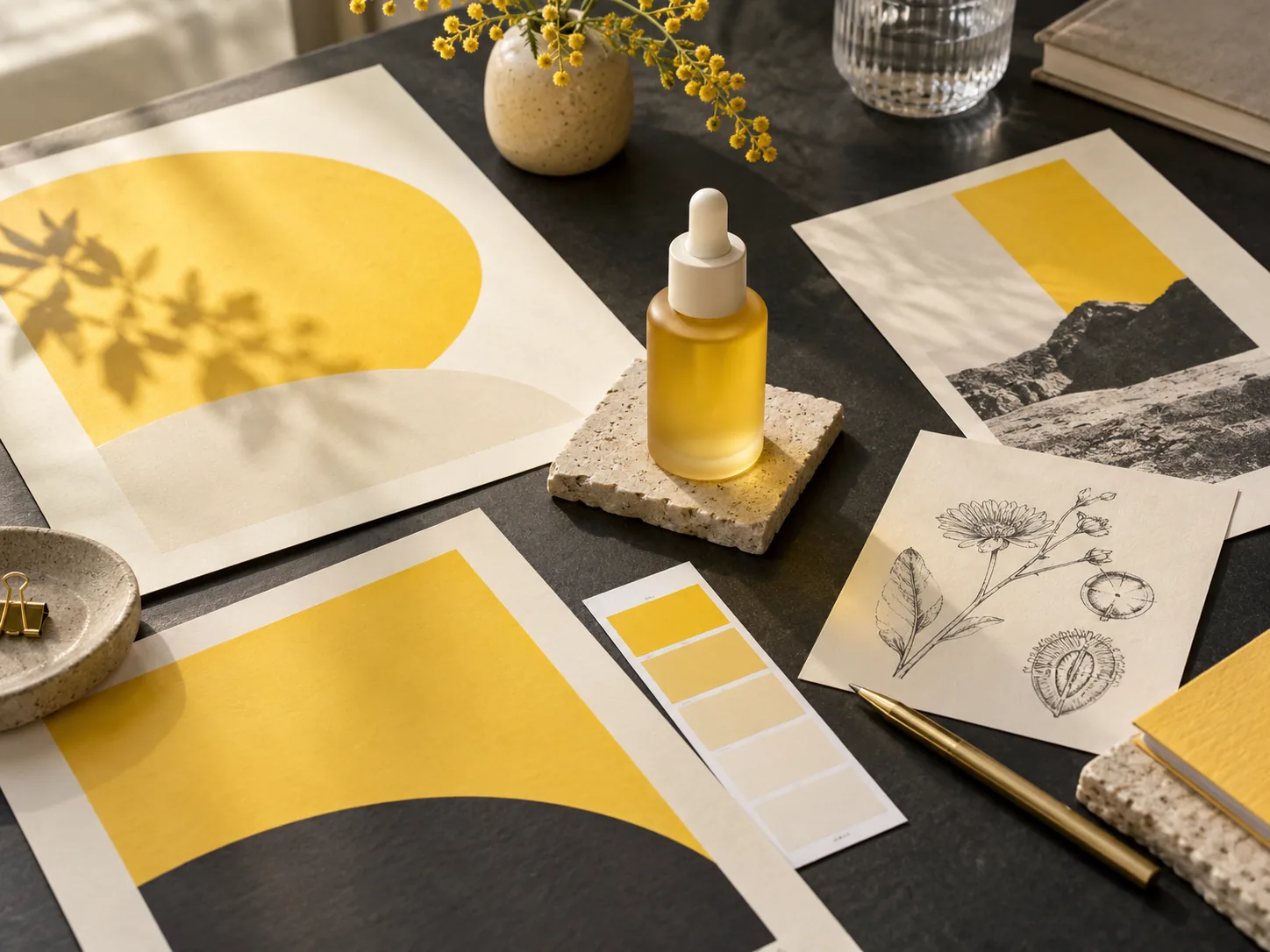
Brushed steel, wet glass, knitted wool, and skin pores render with believable highlights and shadows, whether you want a photo look or a painted one.
Headlines, labels, and short paragraphs come out spelled correctly far more often, which makes event flyers, menus, and explainer graphics practical to draft.
Ask for a new backdrop or a different jacket color and the rest of the frame is left alone. Mention what to protect and the model keeps it intact.
Mix a portrait, a product shot, and a mood board in one request. Each reference contributes its own part instead of blending into mush.
Pick the size that matches where the image will live, from quick social drafts to print-ready 4K. Wide and ultra-wide frames hold up better too.
The model reasons about how objects relate before it draws, so scenes with several subjects, captions, or diagrams come out better organized.
Three ways to use it
Most projects revolve around one thing that must not change. Lock that in with a reference, then explore freely around it.
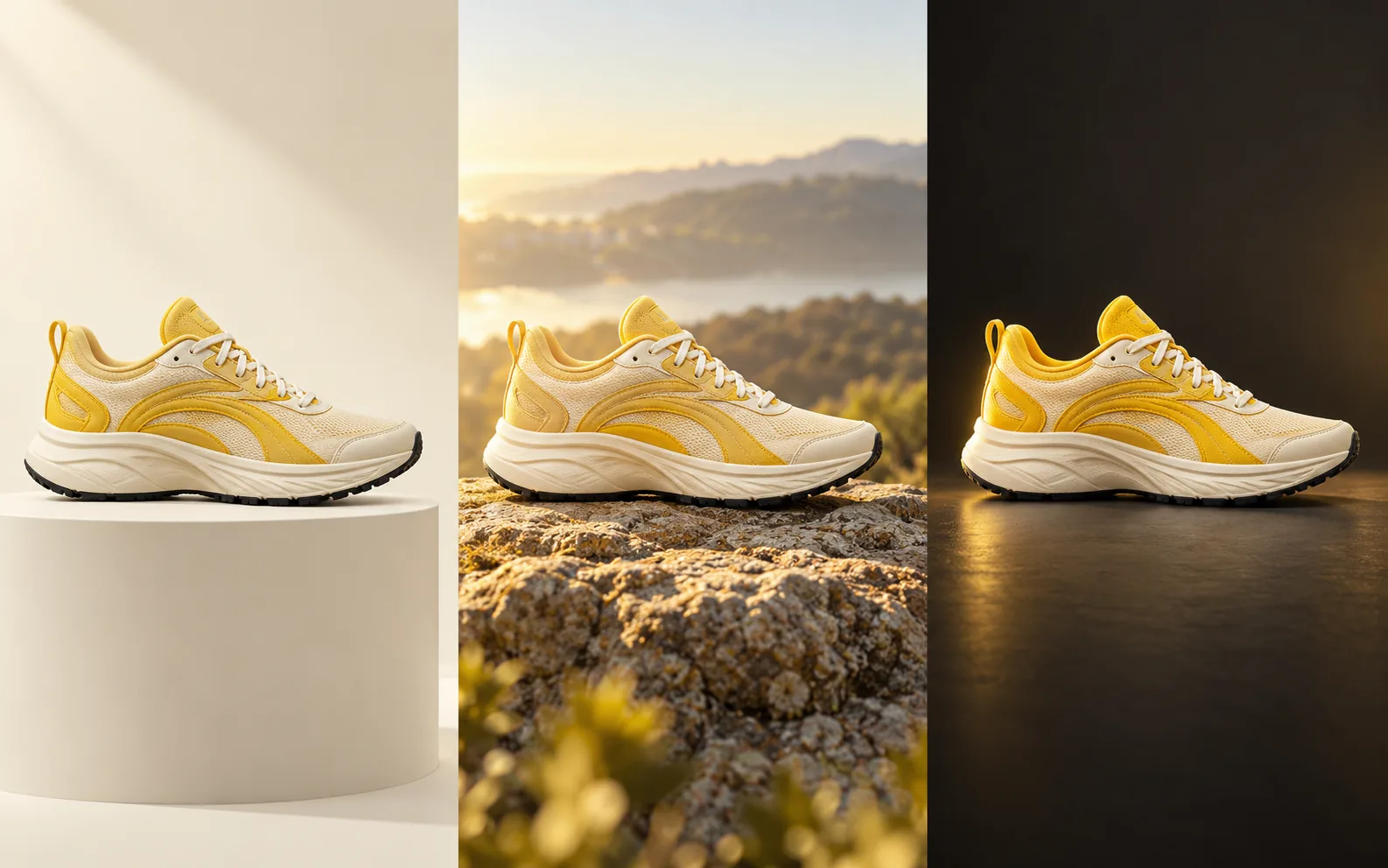
Upload your item once and describe its finish, shape, and logo placement. Then move it from a studio sweep to a beach towel to a kitchen counter without redrawing it each time. Ideal for listings and launch teasers.
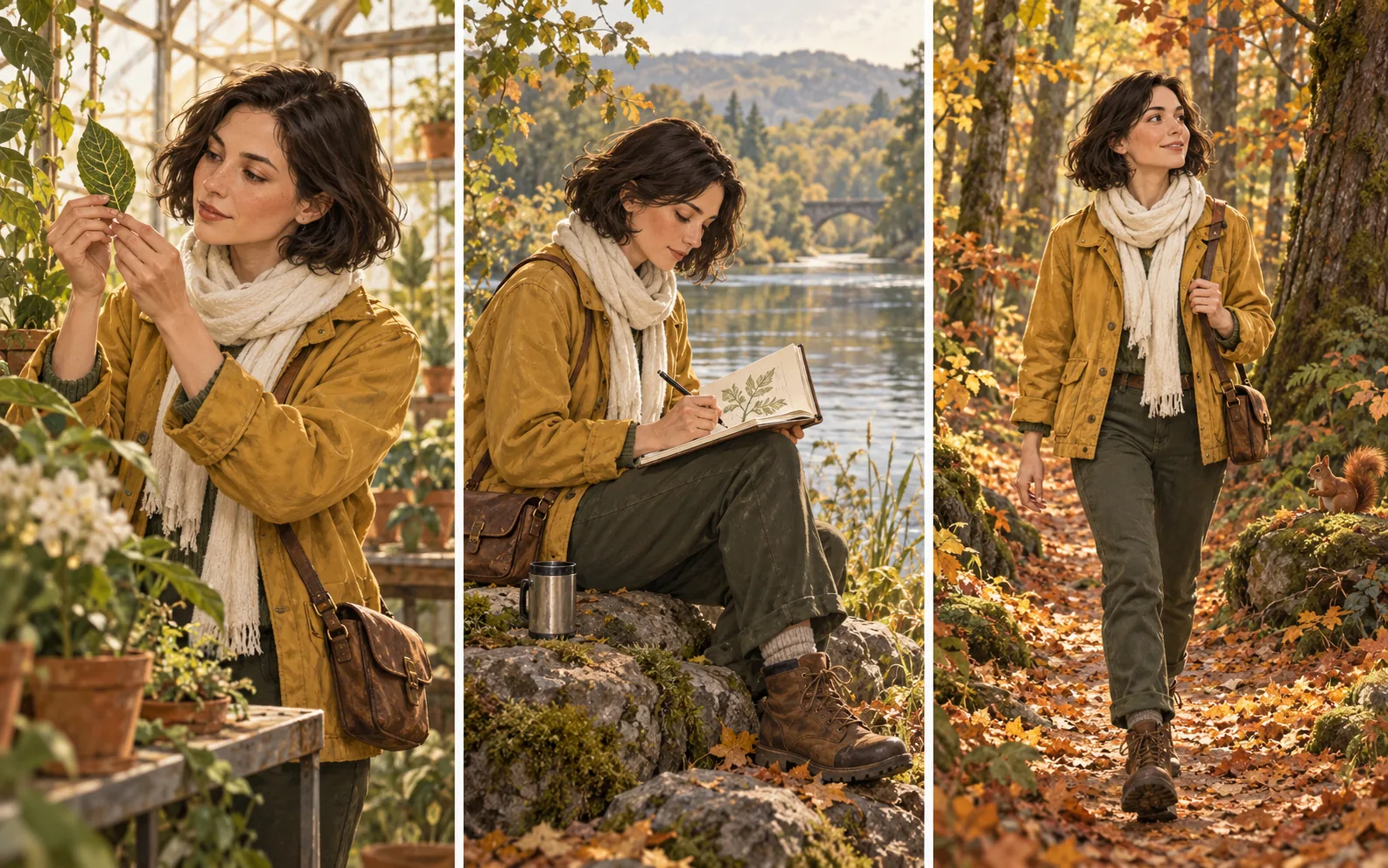
Give your hero a reference image and a few signature traits. Change the pose, the weather, or the decade and they still look like themselves, which keeps comics, storyboards, and picture books consistent.
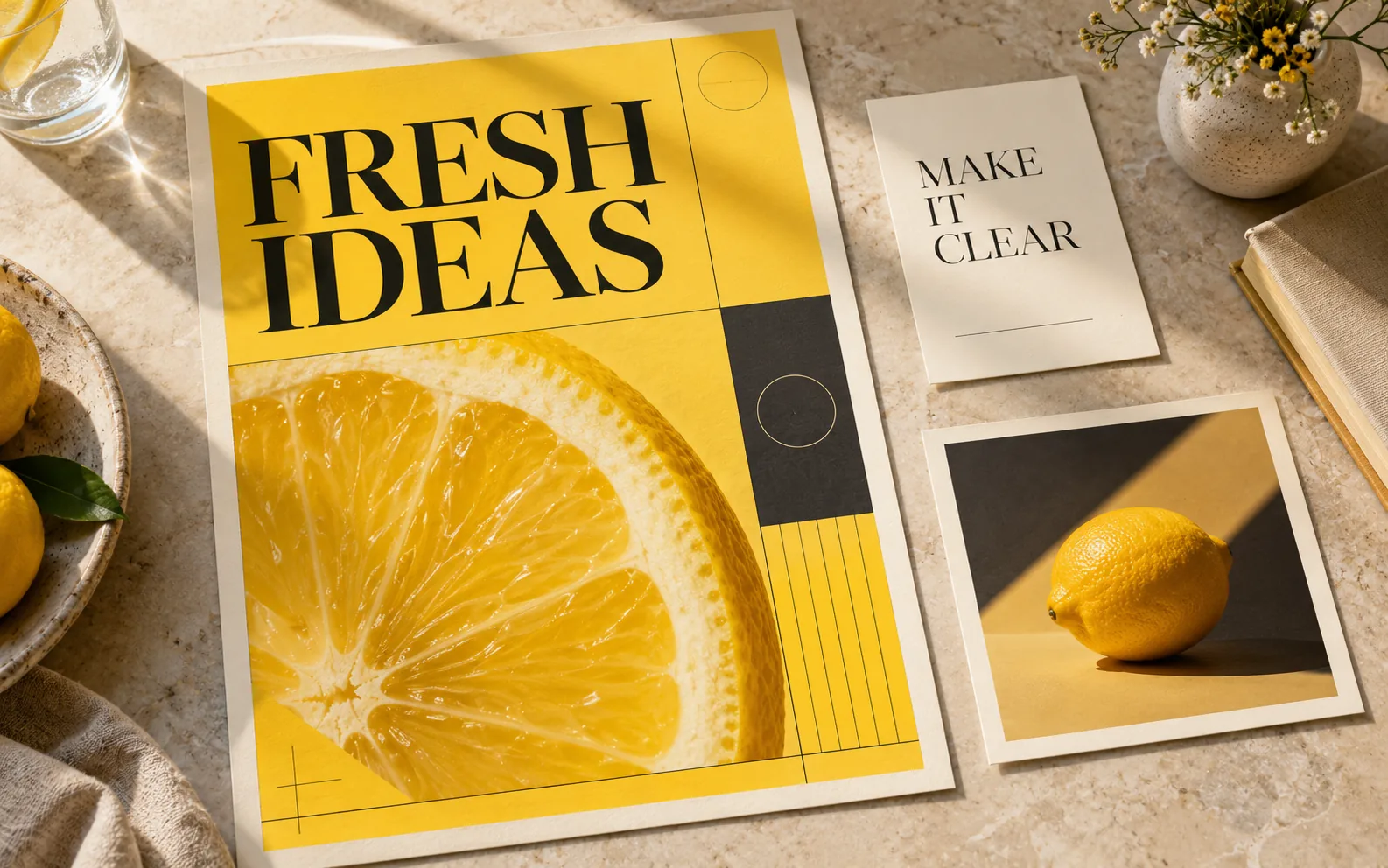
Spell out the headline, the supporting line, and where each should sit. Nano Banana 2.1 places the text as part of the composition, so posters and infographics need less cleanup afterwards.
Prompt guide
A good result usually comes from a few clear decisions made up front. Run through these, generate, then adjust one thing at a time.
Say what the picture is for: a marketplace thumbnail, a classroom handout, a story cover. The intended use changes the framing and the level of detail.
Tell the model which upload is the subject, which sets the style, and which details must survive. For edits, list what changes and what stays.
Choose an aspect ratio and resolution that fit the destination. Mention the focal point, the lighting, any exact wording, and room you need for overlays.
Inspect hands, labels, and spelling. Change one element per round so you can see what helped, then save the version that works.
Use cases
Pick a task with a clear outcome and let the model do the heavy lifting on drafts. These are the jobs people bring to it most.
Turn one product photo into hero shots, close-ups, and holiday scenes while the item itself stays accurate.
Draft banners, story covers, and promo tiles around a short message, with control over palette and where the headline goes.
Convert lesson notes into labeled diagrams and illustrated explainers. Supply the facts and double-check labels before you share.
Produce regional versions of a design with translated headlines and local settings. Provide the approved wording for each market.
Keep recurring characters recognizable across panels, outfits, and expressions so the story reads as one piece.
Try a new location, color grade, or illustration style on a photo you already have, and say which details must remain.
Questions
Quick answers about the model, references, credits, and getting your first image out the door.
It is an image model that creates new pictures from text and edits existing ones through follow-up instructions. Compared with earlier versions it is better at realism, following detailed prompts, keeping subjects consistent, and rendering readable text. Nano Banana 2.1 gives you a simple workspace to use it.
The biggest gains are in design layouts, lifelike detail, consistency across several turns, combining multiple references, and lettering. Targeted edits and wide-format images also improved. The best way to see the difference is to write a precise brief and compare results side by side.
It is tuned for quick turnarounds, so you can try a few directions and refine the strongest one. Exact timing depends on resolution, the number of references, and current demand.
Yes. You can attach up to 10 images per request. Describe what each one is for, such as the subject, the outfit, the pose, or the art style, so the model knows how to combine them.
Lead with the change, then list what must stay. For example: swap the background for a pale stone wall, keep the bottle and its label exactly as they are, and match the current light direction.
Yes. Give the exact words, the language, and where each line should go. Short copy is easier to get right, and it is worth proofreading small text before you publish.
You can choose 1K, 2K, or 4K. Higher resolutions cost more credits per image; the exact cost is shown next to the Generate button before you submit.
Reuse the same reference and spell out the features that define it, such as hairstyle, clothing, silhouette, materials, or logo position. Review each output for small drifts and correct them in the next prompt.
Look closely at faces, hands, product details, spelling, translations, and any numbers or facts in diagrams. AI speeds up the drafting, but a final human check is still part of shipping a visual.
Open Create, type what you want, and add references if you have them. You can write your prompt before signing in; signing in is required to generate and keep your images. New accounts receive free credits to try it out.
Choose a subscription if you create every week, or grab a one-off credit pack for a single project. Credits work the same either way.
Cancel whenever you like
Questions about billing or which plan fits? Our team is happy to help: Email support


Ready when you are
Start with a product photo, a character sketch, or a headline you need to show off. Shape it, refine it, and download the version you love.